
9K Club Login
Sign in to your 9K Club account in seconds — and fix the most common login problems without waiting for help.
How to Log In to 9K Club
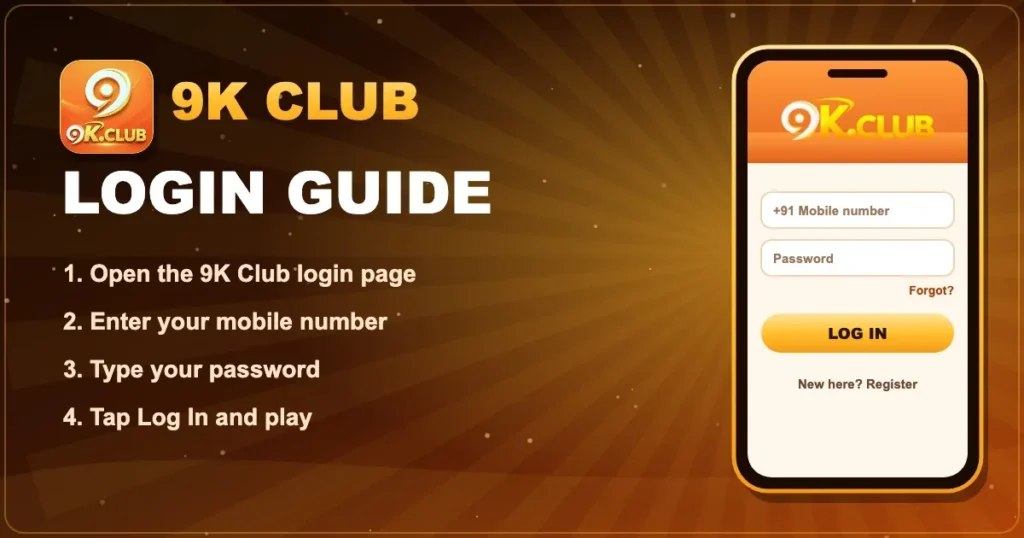
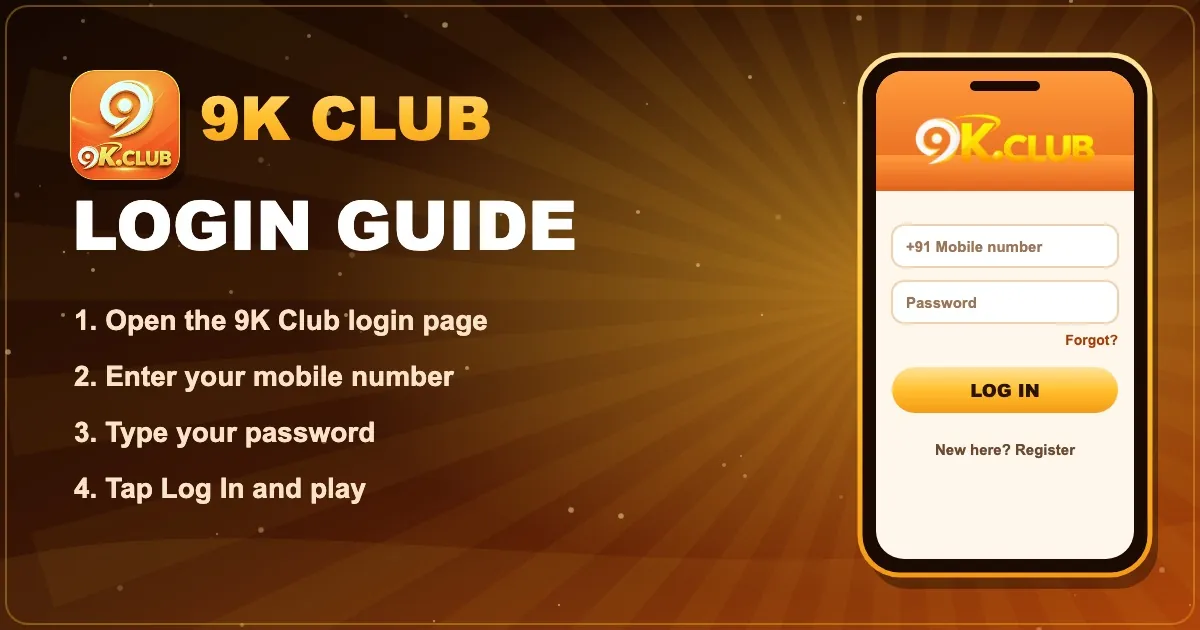
- Open the official 9K Club login page or the 9K Club app.
- Tap Log in at the top of the screen.
- Enter the mobile number you used to register (10 digits, no +91 needed).
- Type your password — it is case-sensitive.
- Tap Log in. You land in the 9K Club lobby with your balance on top.
9K Club Login at a Glance
| Login ID | Registered mobile number |
|---|---|
| Password | Set by you at registration |
| Works on | Android app, iPhone (Safari), any mobile or desktop browser |
| Forgot password | Reset with an OTP from the login screen |
| Support | 24/7 live chat inside the account |
How to Reset Your 9K Club Password
- On the login screen tap Forgot password.
- Enter your registered mobile number and request the OTP.
- Type the OTP and choose a new strong password.
- Log in again with the new password.
Common 9K Club Login Problems
“Incorrect password”
Check Caps Lock and that you are typing the password, not the OTP. After repeated mistakes, reset it instead of guessing.
OTP not received
Wait 60 seconds, confirm the number is right and that your phone has signal, then request a new code. Turning flight mode on and off often helps.
Page not loading
Switch between Wi-Fi and mobile data, clear the browser cache, or update the 9K Club app to the latest version.
Account temporarily locked
Too many failed attempts can pause sign-in for a short time. Contact live support from the help button if it continues.
Keep Your 9K Club Account Safe
Private password
Never share it — not even with friends or “agents”.
OTP is yours
9K Club staff will never ask for it.
Official links only
Bookmark this site and use its buttons to reach the login page.
Frequently Asked Questions
I forgot my 9K Club password. What now?
Tap Forgot password on the login screen, enter your registered mobile number, confirm the OTP and set a new password.
Can I log in to 9K Club on more than one phone?
Yes. Use the same mobile number and password on any device. For safety, log out of phones you no longer use.
Why does 9K Club say my account is not found?
Check that you are using the exact mobile number you registered with. If you never completed registration, create an account first.
Does 9K Club ever ask for my OTP over chat or phone?
Never. The OTP is only for you to type into the official screen. Anyone asking for it is a scammer.